Overview
Use SalesEQ data inside Claude, ChatGPT, and other MCP-compatible AI clients.
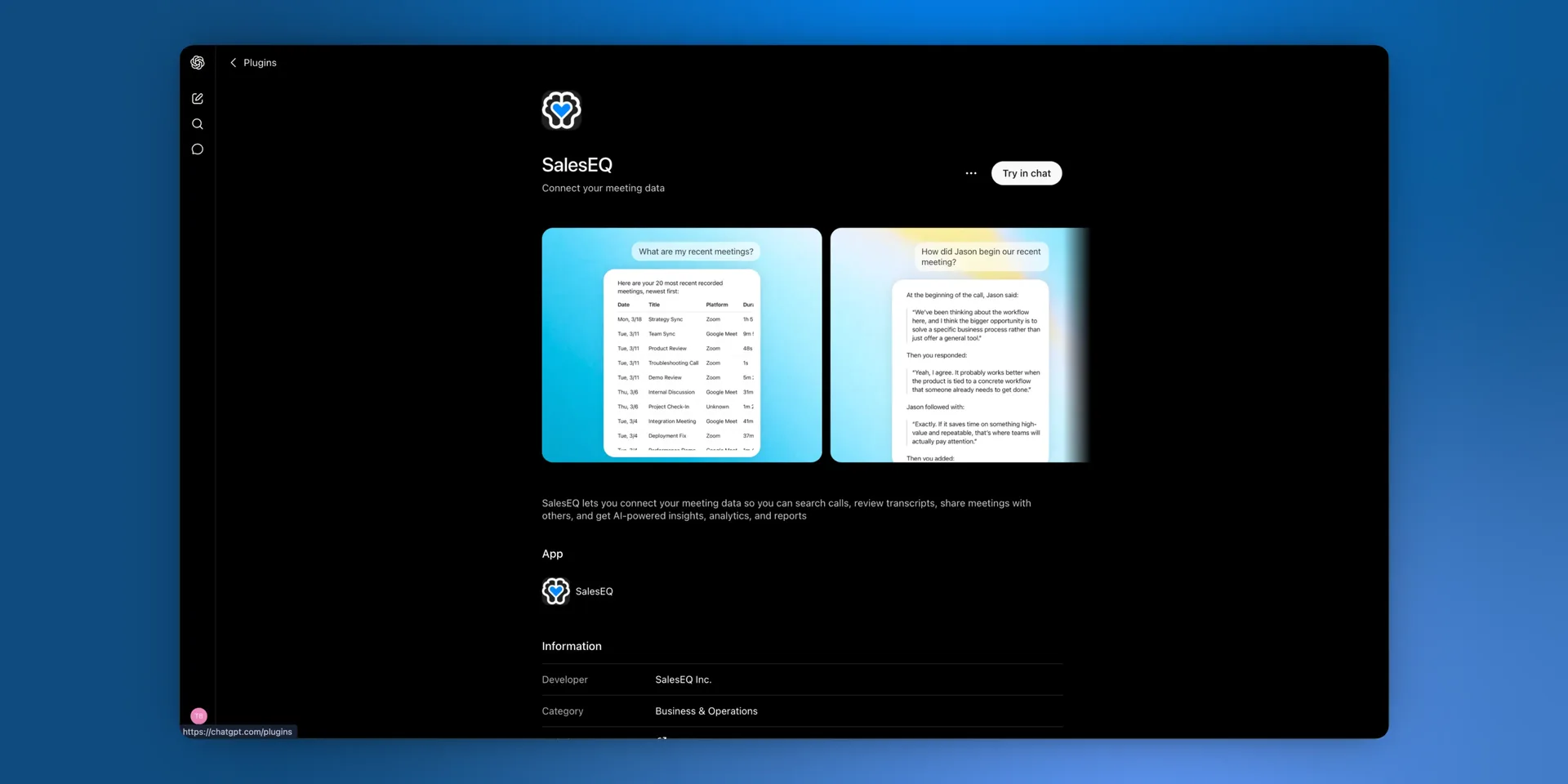
The SalesEQ connector lets you query your meetings and their analysis from any AI client that speaks the Model Context Protocol (MCP). That includes Claude on web and desktop, ChatGPT, and anything else built on the standard.
Permissions are enforced exactly as they are inside the SalesEQ app.
What you can ask
Ask for your recent meetings, a transcript, or which meetings mentioned a topic, and you get them back.
The connector earns its place on the questions no single meeting can answer. It searches across meetings you created or received through a direct or group share, pulls whole transcripts, and pulls frames from the recording. Your AI client can read dozens of meetings and come back with one answer.
For a broad question, your assistant can hand the whole question to deep search. Deep search is agentic: it runs many searches across your meetings and returns the excerpts that answer it.
Coach yourself against another rep.
Compare how I handle pricing objections with how Dana handles them. Search both of our meetings from the last quarter, find the moments where a customer pushed back on price, and tell me what she does that I do not.Gather customer evidence before you build something.
Go through the meetings shared with me and find every moment a customer talked about our meeting search. Quote what they said, and tell me which requests came up more than once. I am about to start rebuilding it and I want to hear what customers actually asked for before I design anything.Prepare for the next conversation with a client.
I have a call with Acme tomorrow. Go through every meeting we have had with them and tell me what they asked for, which objections came up, what we committed to, and what is still unresolved.Hand the answer to another tool.
I have a call with Acme on Thursday. Go through every meeting we have had with them, pull out what they care about and where they pushed back, then use Gamma to build a short proposal deck I can walk them through.Server details
| Setting | Value |
|---|---|
| Endpoint | https://mcp.saleseq.ai |
| Transport | Streamable HTTP |
| Authentication | OAuth 2.0 with Dynamic Client Registration |
You do not need a client ID or secret. To set the connector up, read Connect Claude, Connect ChatGPT, or Connect custom MCP for anything else. For what the connector exposes, read Tools.
Permissions and data access
The connector uses the same scope as All meetings and Search in the web app: meetings you own, meetings shared with you directly, and meetings shared with a group you belong to.
Meetings available only through an organization default do not appear in list or search results. Ask the owner to share one directly with you or with a group you belong to when you want the assistant to find it.
Privacy and data handling
When your AI client calls a tool, the server returns the requested meeting metadata, transcript, or analysis to that client. From there, the client may forward your prompt and the tool result to its own model provider, such as Anthropic for Claude or OpenAI for ChatGPT.
SalesEQ does not see or log the prompts you send to your AI client. SalesEQ sees only the tool calls the client makes back to us. For full details, read the privacy policy.
Disconnecting
Disconnect SalesEQ at any time from your AI client's connector or integration settings. To use it again later, reconnect and sign in to SalesEQ.
Next
- Connect Claude sets it up in Claude.
- Connect ChatGPT sets it up in ChatGPT.
- Tools lists the eight tools the connector exposes.