Troubleshooting
Fixes for connector setup, missing meetings, and permission errors.
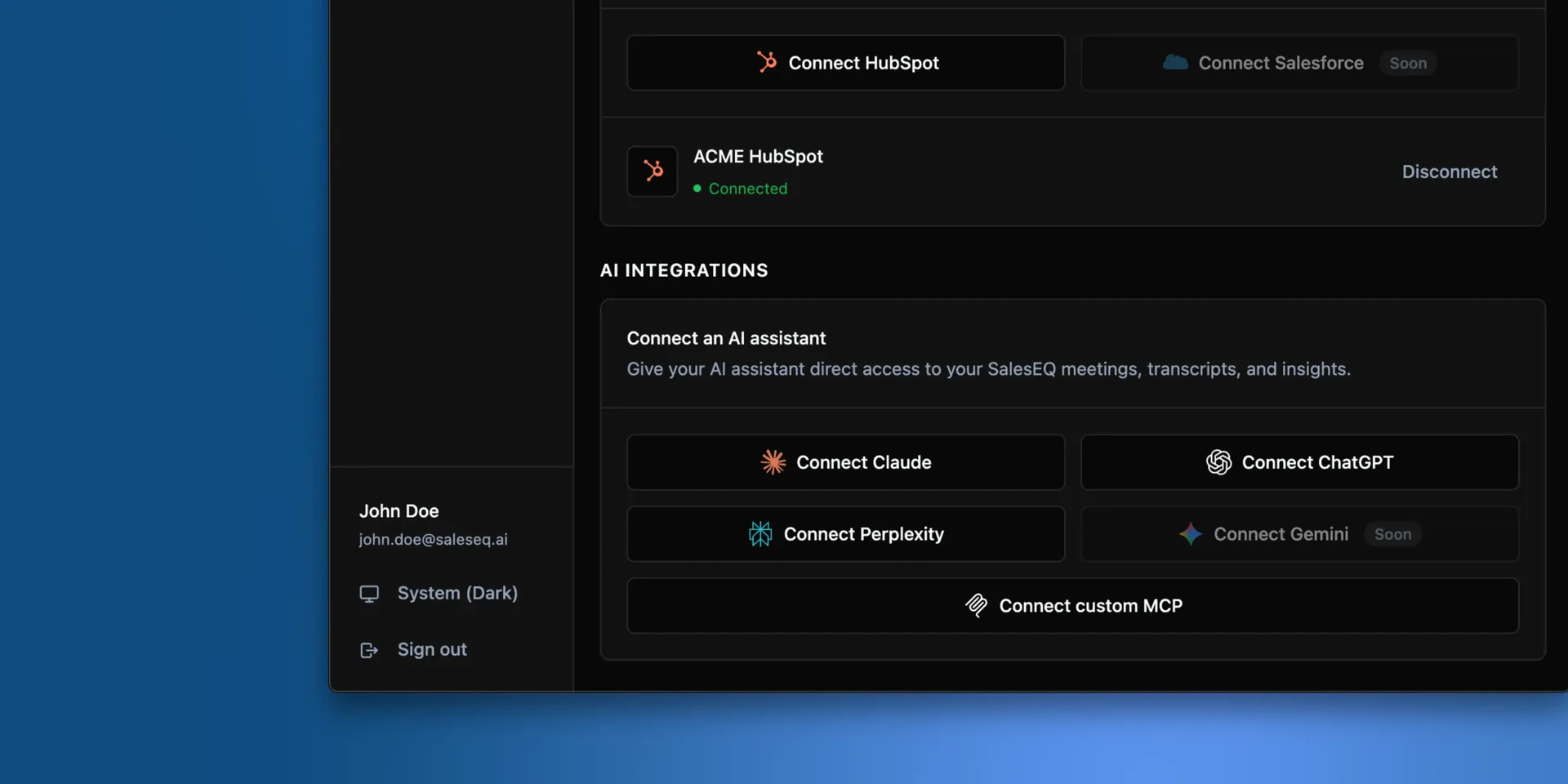
Adding the connector fails with an authorization or connection error
- If you added SalesEQ as a custom MCP connection, confirm the server URL is exactly
https://mcp.saleseq.ai, with no path and no trailing characters. - Allow pop-ups for the SalesEQ sign-in window. A pop-up blocker is the most common cause of an OAuth window that never opens.
- Verify you sign in to
https://app.saleseq.aiin a regular browser tab. If sign-in fails there, the connector cannot authorize you either.
The connector connected, but I do not see meetings I expect
- Meetings available only through an organization default do not appear in list or search results. Ask the owner to share one directly with you or with a group you belong to.
- If a meeting is shared with you directly and still does not turn up, ask your assistant to look again across everything you can access rather than only the meetings you recorded.
A get_transcript call returns a permission error
- The connector enforces the same permission model as the SalesEQ app. If you cannot view the meeting at
https://app.saleseq.ai, the tool refuses it as well. - Ask the meeting owner to share it with you, or check the share settings inside the SalesEQ app.
Transcript timestamps look wrong or are labeled estimated
- Some transcript-only meetings carry no word-level timestamps.
- In those cases the tool estimates timestamps at 150 words per minute. That is good enough for slicing, and it does not match a recording exactly.
Deep search could not finish
deep_search_meetingssometimes stops before it has an answer, most often on a broad question. Your assistant then says so and switches tosearch_meetings.- Ask again, or split the question into narrower ones, such as one per customer, teammate, or quarter.
- A deep search that finds nothing returns no results rather than an error. Check that the meetings you expect are in the scope you asked about.
Anything else
Open the tool call in your AI client. It shows the request that went to SalesEQ and the response that came back, which tells you whether SalesEQ refused the request, returned nothing, or was never called.
Your assistant reads those errors as well. Ask it why the SalesEQ connector failed.
Tell us
Email founders@saleseq.ai. Something broken is worth hearing about, and so is what you are trying to do with the connector. That holds especially when it is something we have not built for yet.