Connect ChatGPT
Add the official SalesEQ app to ChatGPT.
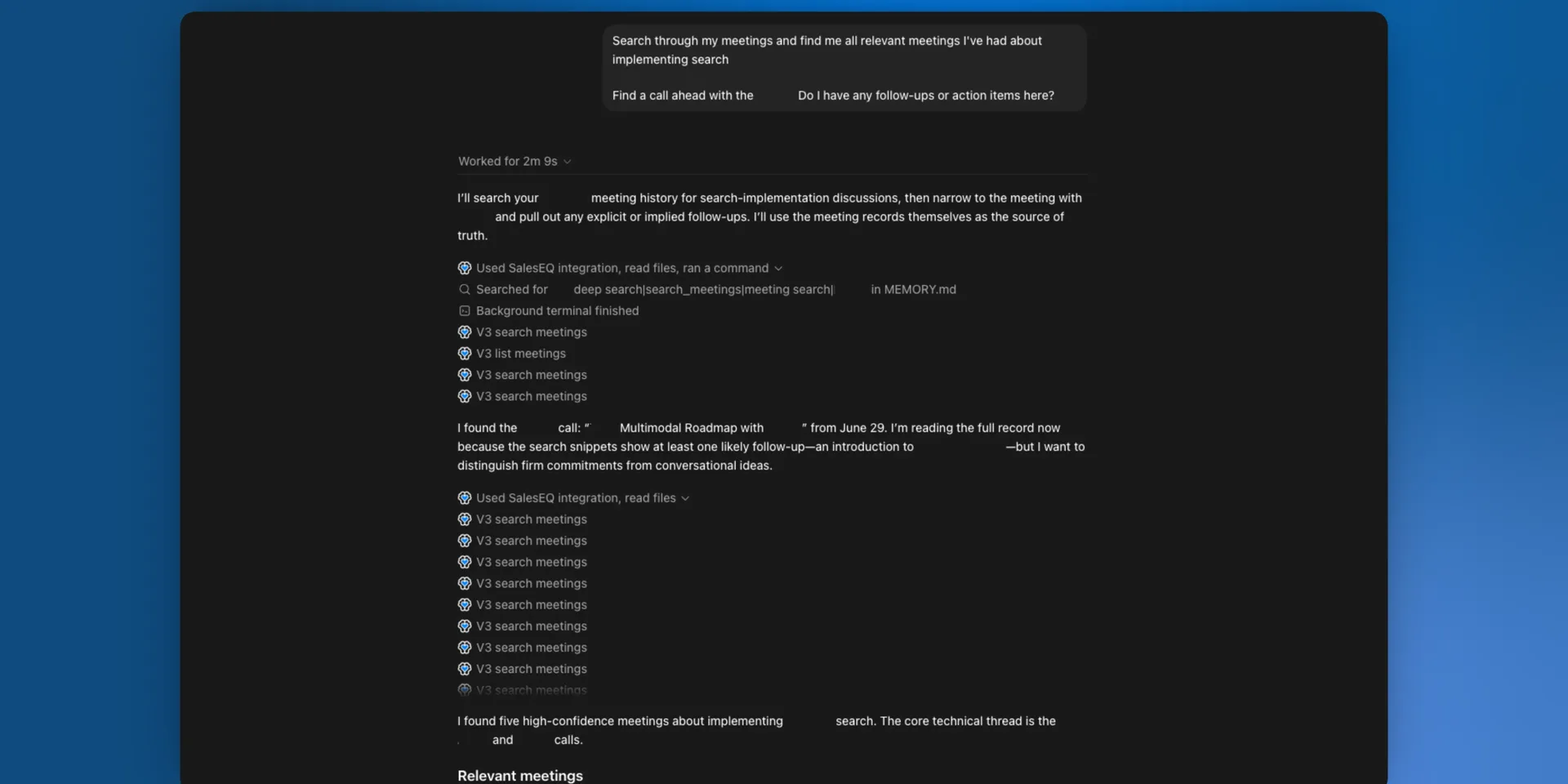
SalesEQ is an official ChatGPT app, so connecting takes a few clicks with nothing to configure.
Before you start
- A SalesEQ account you can sign in to at
https://app.saleseq.ai - A few meetings recorded, uploaded, or imported already, so ChatGPT has something to work with
- A ChatGPT Pro, Plus, Business, Enterprise, or Edu account
Steps
Open the SalesEQ app in ChatGPT
Go to the SalesEQ app page and select Connect.
Sign in with SalesEQ
In the Add SalesEQ to ChatGPT window, select Sign in with SalesEQ.
Allow access
On the SalesEQ authorization page, select Allow. ChatGPT finishes the connection and returns you to the app page.
Verify it worked
Start a chat and ask a question that needs your data:
List my three most recent meetings in SalesEQ and summarize them.A correct setup returns real meeting titles from your account. Mention @SalesEQ in your prompt if ChatGPT does not reach for it on its own.
If the app fails to connect, or connects but returns no meetings, read Troubleshooting.
Next
- Connect custom MCP covers any other client.
- Tools lists everything your client can call.
- Overview covers permissions, privacy, and how to disconnect.