FIG 0.2
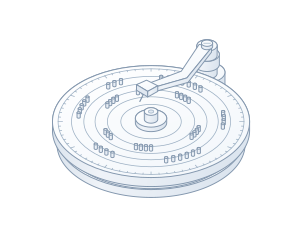
What was said
The words, speakers, and timing of the conversation, kept intact. A summary shouldn’t decide which questions you can answer later.
The most complete, accurate data from every call. Accessible in real time and after the call is over, for your team, agents, and automations.

Used by teams at






 Execue






FIG 0.2
The words, speakers, and timing of the conversation, kept intact. A summary shouldn’t decide which questions you can answer later.
FIG 0.3
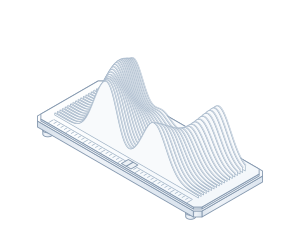
Tone, pauses, and on-camera reactions sit next to the words. You see what happened, then decide what it means.
FIG 0.4
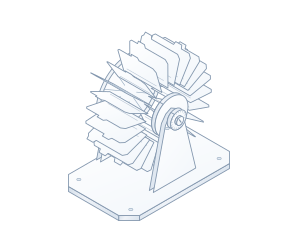
Get help while the customer is still on the call. Afterward, the same context is there for your team and your agents.
Which call had the guy in the green shirt? I heard two chimes before he asked about the Philly game. His team bought endpoint security later.
More complete, accurate call data. Use it live and search it afterward.
Pair an accurate transcript with the details you can hear and see.
 SalesEQ product demo
SalesEQ brings the words, audio, and video together. Search across calls or let an agent retrieve the exact moment behind an answer.
 Product demo
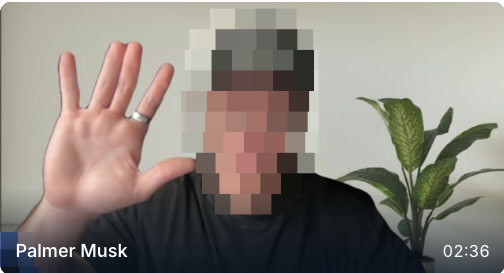
“How many fingers is Palmer holding?”
Find the five-finger demo.
 ChatGPT
 Claude
 Fathom
 Gong
 Granola
 Fireflies
 Grain
 Otter
 Aircall
 Circleback
 Sybill