Public links
Share a meeting with someone outside your organization.
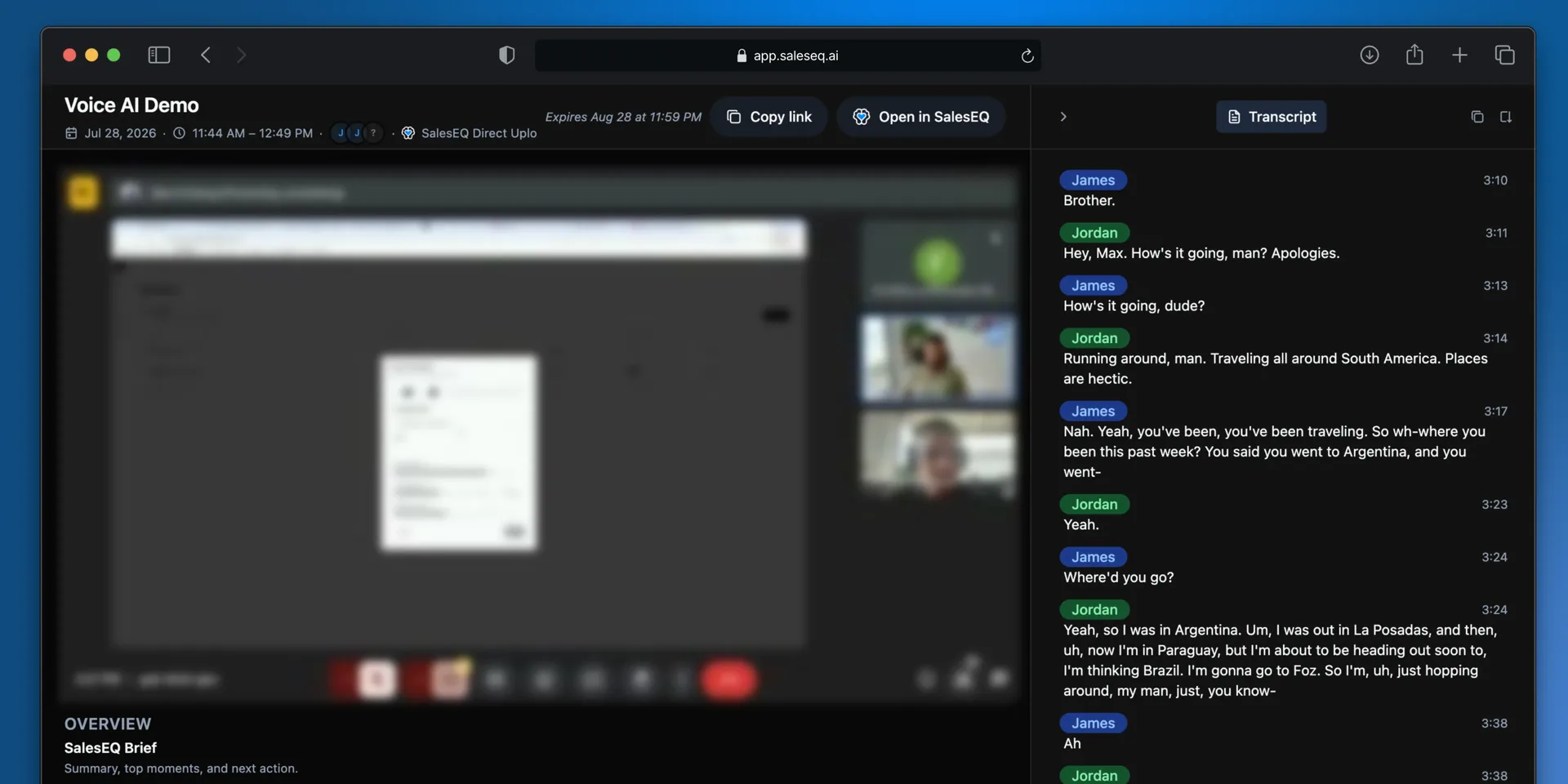
A public link lets anyone open a meeting without a SalesEQ account. Use it to send a meeting to a customer, a prospect, or a candidate.
Organization sharing is separate and unchanged. Those shares still require a SalesEQ sign-in.
A public link opens a reduced view: the recording, the transcript, the speakers, and the summary. Insights and Ask AI stay inside your organization.
Create a link
Open the meeting and open sharing
Open the meeting and open its share settings.
Create a public link
Select Create under Public link, then copy it. Create a separate link for each person you are sending the meeting to.
New links expire after 30 days and start with a label such as Public link 1. Select the label to rename it for the recipient. Select the pencil beside the expiry to choose another date.
Send it
Anyone with the link can watch the meeting. They need no sign-in and no account.
Verify it worked
The share settings list every public link you have created on that meeting and when each one expires.
One link per recipient
You can create as many links as you want on a meeting. Select Add another and you get another one, each with its own expiry and its own revoke.
That is worth doing when you care where a link ends up. Send one link per person and label it with the recipient's name. If a link travels further than you meant, its label tells you which copy travelled. Revoke that one and everybody else keeps watching.
A single link shared with five people tells you nothing when it turns up somewhere else.
Expiry and revoking
A public link is access rather than an invitation: anyone holding it can open the meeting, including someone it was forwarded to. Nothing checks who they are.
Every link carries an expiry, and the share settings show it, so you can see what is still live. Revoke a link at any time and anyone using it loses access at once. Deleting the meeting has the same effect, because deleting revokes every share on it.
Next
- Share a meeting covers sharing inside your organization.
- Delete and discard covers removing a meeting entirely.