Meeting insights
What SalesEQ generates from a meeting, tab by tab.
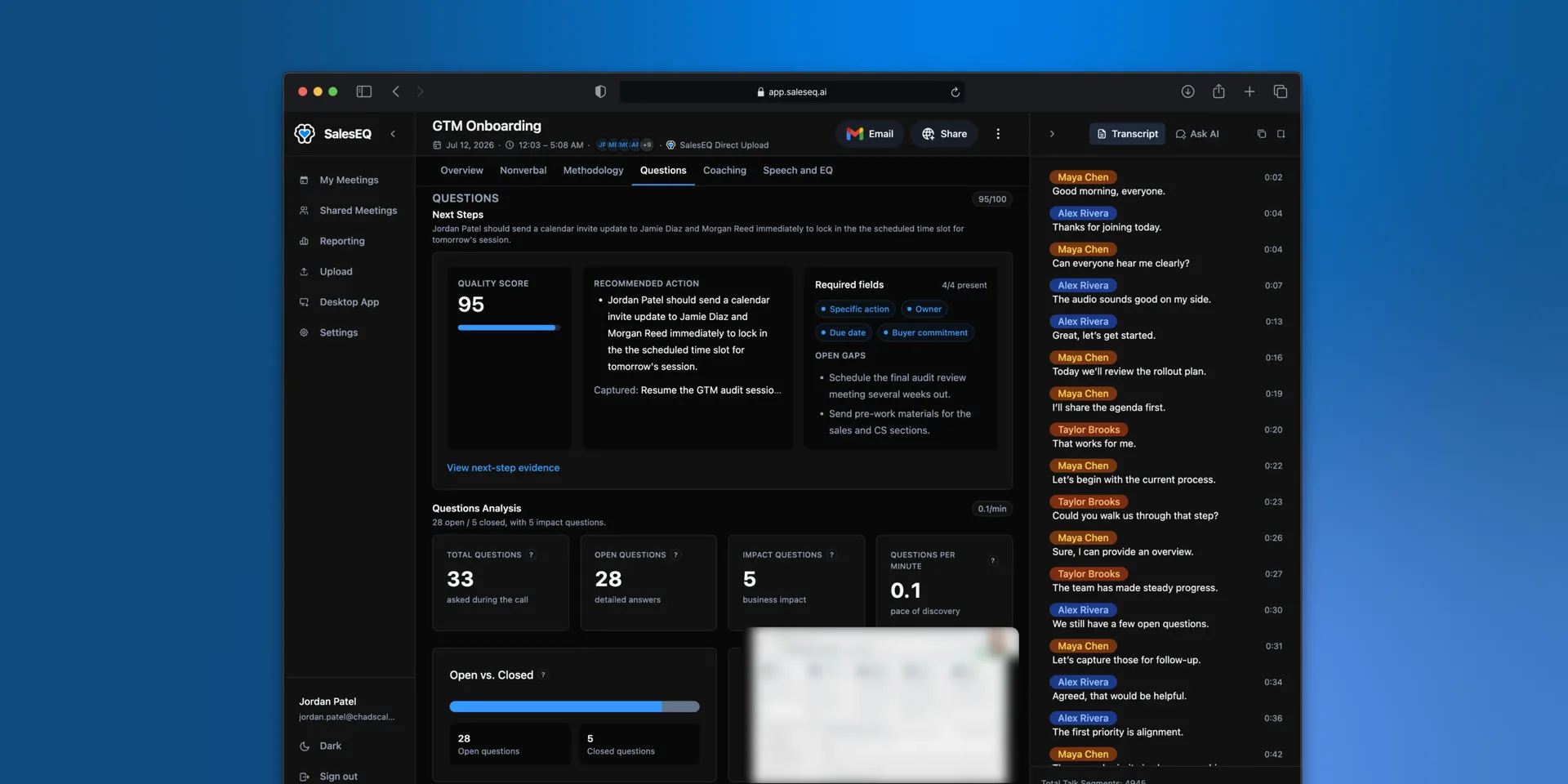
Once a meeting finishes processing, SalesEQ generates a set of analyses alongside the transcript. Each one is a tab in the meeting view.
You are not meant to read all of them on every meeting. Most people live in Overview and reach for the rest when coaching or preparing.
The tabs
Overview is always there. The rest appear when the meeting produced that analysis, so a short or quiet meeting shows fewer tabs than a long one. Each tab carries a number in the strip, such as a score or a count, so you can see where to look without opening anything.
| Tab | What it covers |
|---|---|
| Overview | The summary, the top moments, and the next action |
| Nonverbal | Voice and visual moments from the recording |
| Methodology | Qualification evidence, including BANT signals |
| Questions | The questions asked and what was agreed as next steps |
| Coaching | Focus areas and strengths for the person who ran the meeting |
| Speech and EQ | Pace, talk time, monologues, and how the conversation landed |
Which to use when
- Preparing for a follow-up: Overview, then Questions for what was agreed.
- Coaching a rep: Coaching, with Speech and EQ for the talk ratio.
- Qualifying a deal: Methodology, then Questions.
- Diagnosing a meeting that went flat: Nonverbal, then Speech and EQ.
Fix speaker names first
Every insight is generated from the recording, so anything measured per person is only as good as the speaker names. Correct them before you rely on per-person analysis rather than after. See Viewing a meeting.